ReleaseKit
Try it free
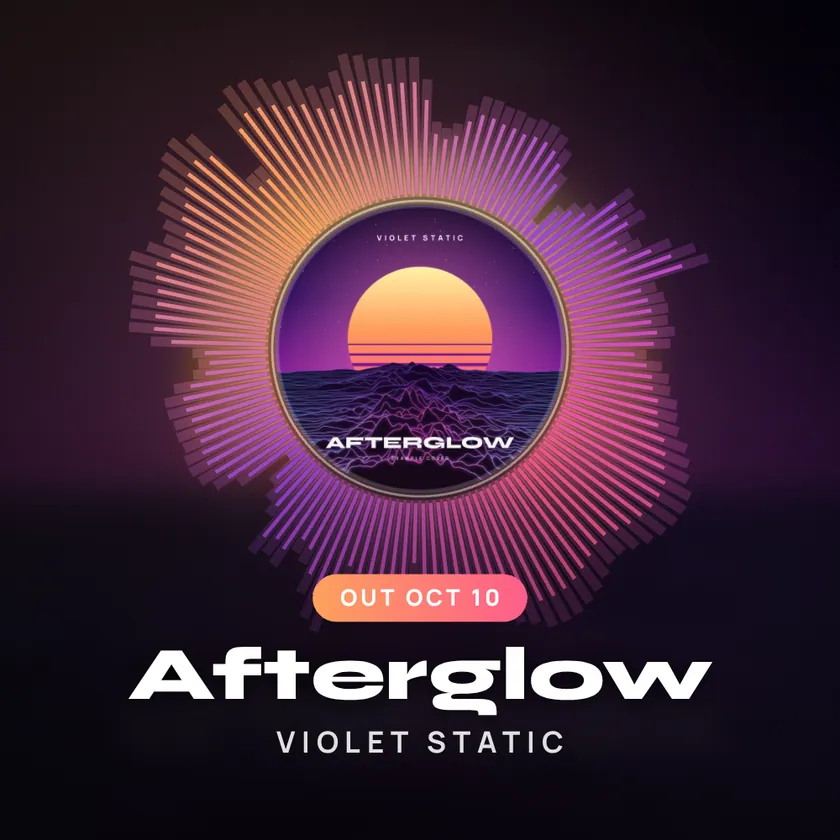
The ReleaseKit visualizer running on the example track: the cover art of “Afterglow” surrounded by light that follows the music

Your song deserves more than a static cover.

Drop in a track and its cover art. ReleaseKit makes the visualizer, the clips for every feed, the announcement graphics and one page with all your links. It runs in your browser, so the song never uploads.

Try it free

No sign-up to try. An example release is already loaded.

Afterglow by Violet Static Example track, generated in code
Sound off

One song and one cover in. A whole rollout out.

  • VisualizerSix audio-reactive looks
  • Clips9:16, 1:1 and 16:9 video files
  • GraphicsFour announcement images
  • Release pageOne link, every platform
  • CaptionsFive posts with hashtags

Step 1 of 4

Drop in a song and a cover

MP3, WAV, M4A or OGG. ReleaseKit draws the whole waveform, finds the loudest part, and lets you drag the window to the 15, 30 or 60 seconds people should hear first. Three colors are picked from your cover and used everywhere.

  • The song is opened in your browser, not uploaded
  • Artist, title, date and one link per platform
The ReleaseKit release screen: the waveform of the example track with a highlighted fifteen second window and the clip length buttons
The real tool, with its example track loaded.
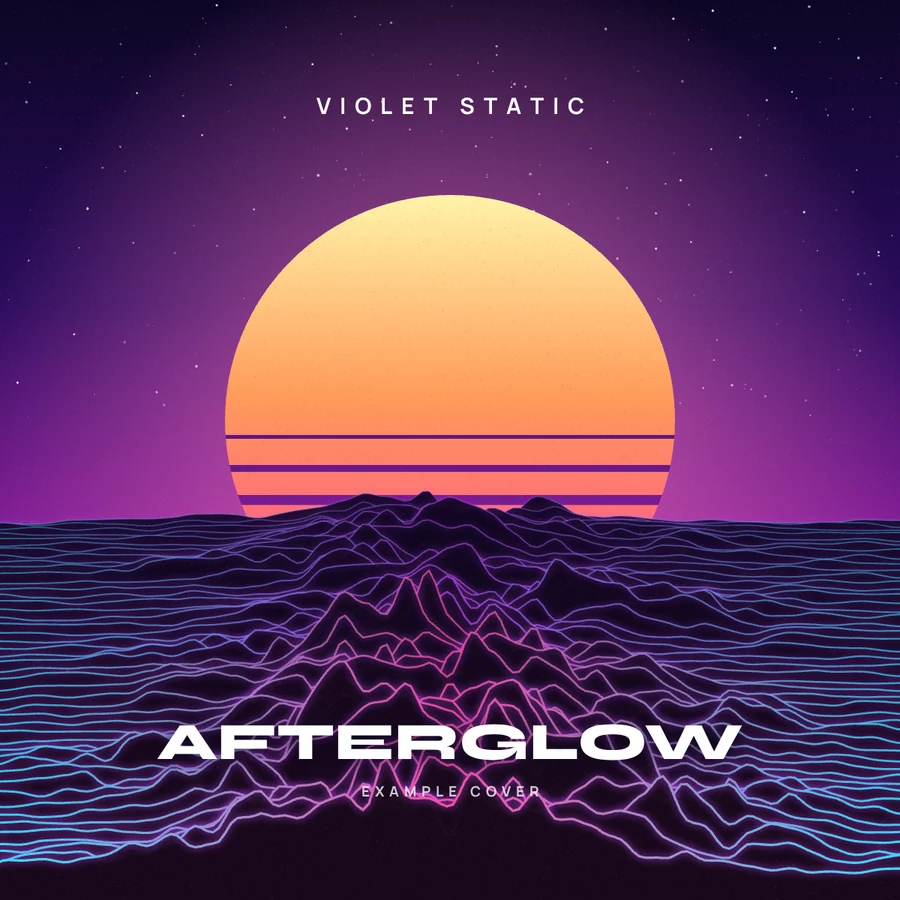
The example cover art: a sun setting over neon wireframe hills, titled Afterglowcover.png
afterglow.wav0:49, example

Step 2 of 4

Pick a look

Six visualizers, each drawn in real time from the actual frequencies in your track. This is the tool’s own engine running on the example song. Tap a style to switch it.

See what each style suits

The spectrum ring visualizer around the example cover, with the title Afterglow and the release date

Step 3 of 4

Cut clips for every feed

Vertical for Reels, TikTok and Shorts. Square for the feed. Wide for YouTube and X. Recording runs in real time in your browser with a percentage and the time left, and you download a real video file.

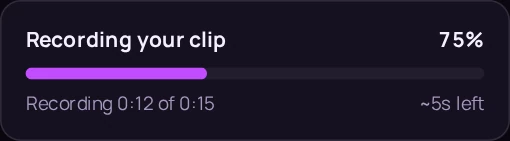
The tool recording a clip: a progress card reading the percentage done and the seconds left

The progress card as it looks while a clip records.

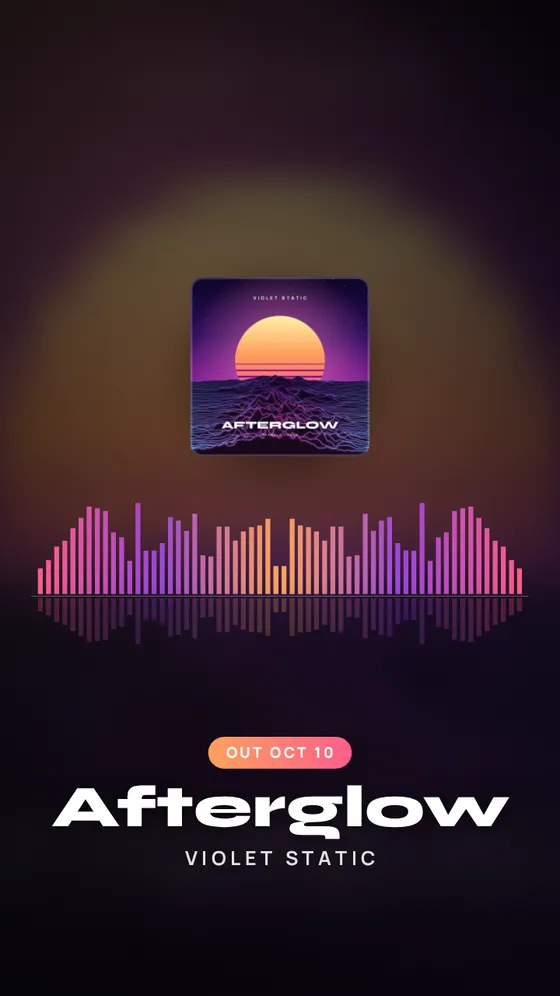
A vertical 9:16 clip frame of the mirrored bars visualizer
9:16Reels, TikTok, Shorts
A square 1:1 clip frame of the mirrored bars visualizer
1:1Feed posts
A wide 16:9 clip frame of the mirrored bars visualizer
16:9YouTube, X

Step 4 of 4

One page for the release

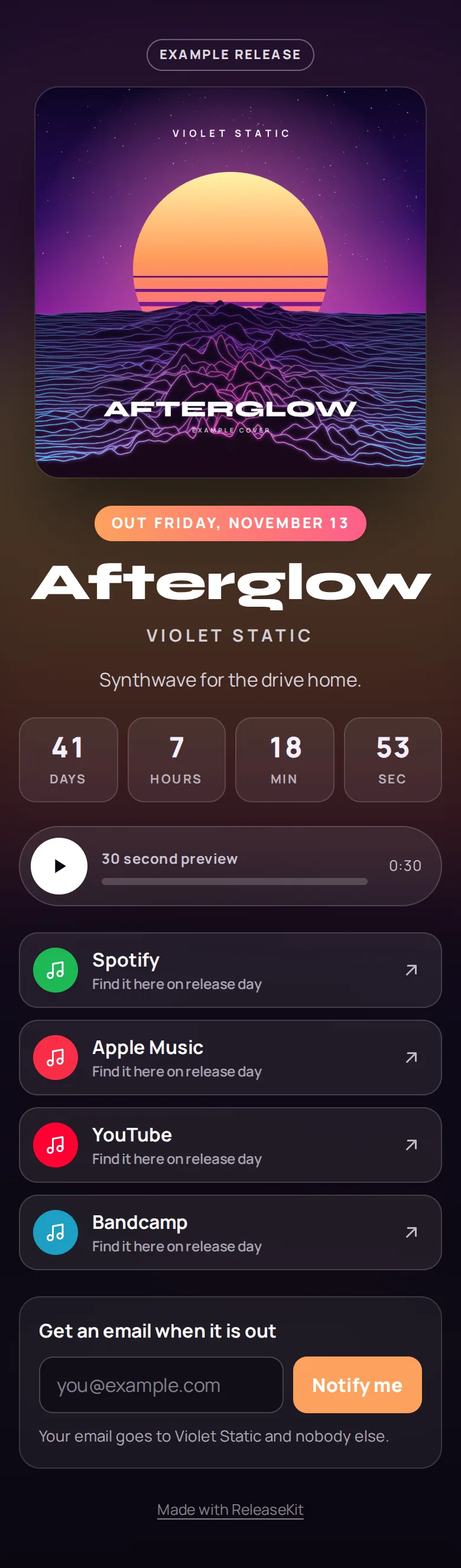
Your cover, a 30 second preview, a countdown to release day and a button for every platform. Switch on “Notify me” to collect email addresses. You see page views, clicks per platform and sign-ups.

1page view
1link click
1sign-up

Real counts from our own test visit to the example page: one view, one tap on Spotify, one sign-up.

The example release page on a phone: cover, release date, title, countdown, preview player, platform buttons and a notify-me box

Screenshot taken on October 2, 2026, with the example’s release date set to Friday, November 13, 2026.

Four graphics, drawn from your cover

Announcement post, story countdown, out-now banner and a link card with a QR code. They use your colors and update as you edit. These four are the tool’s real output for the example release.

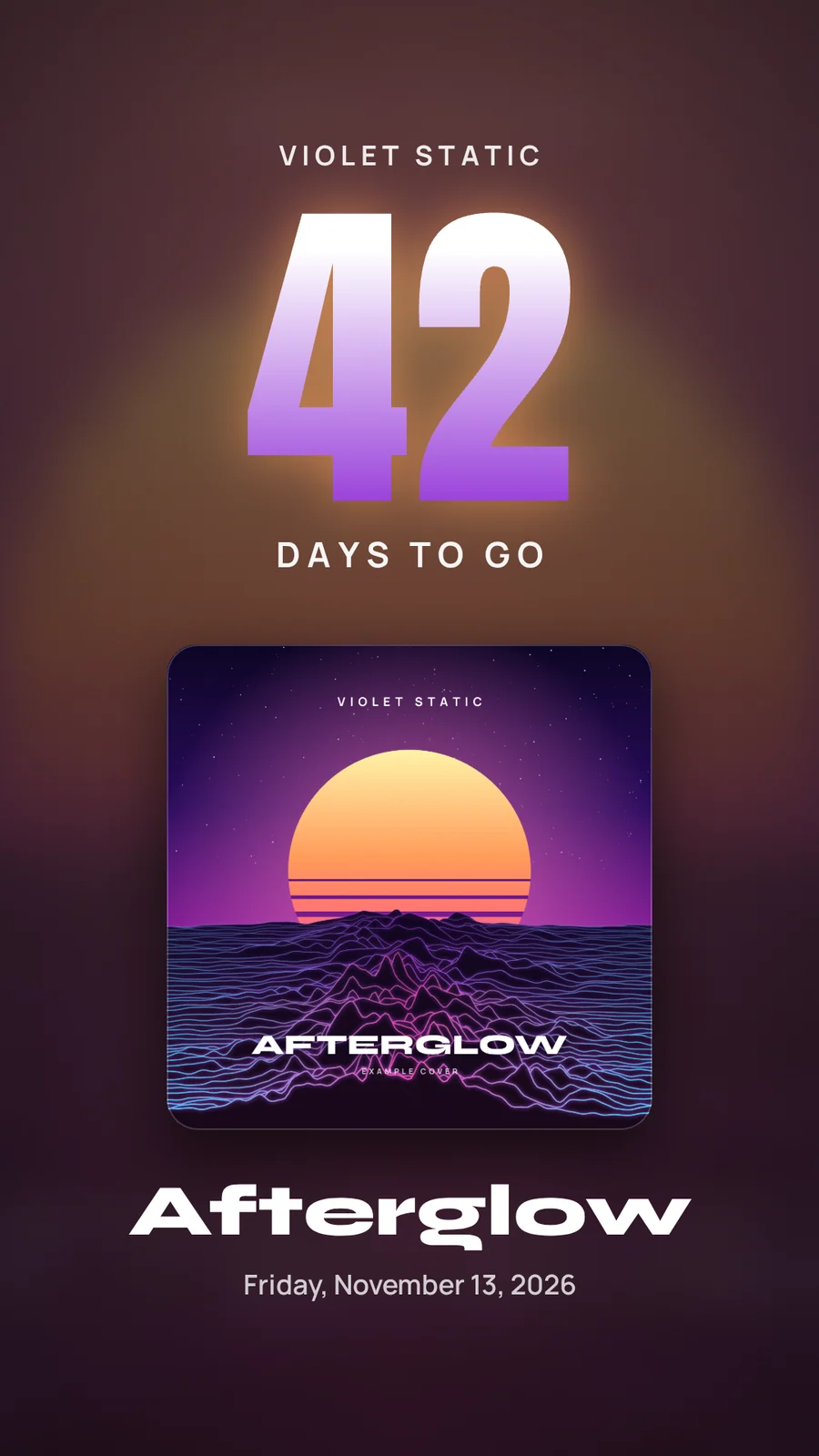
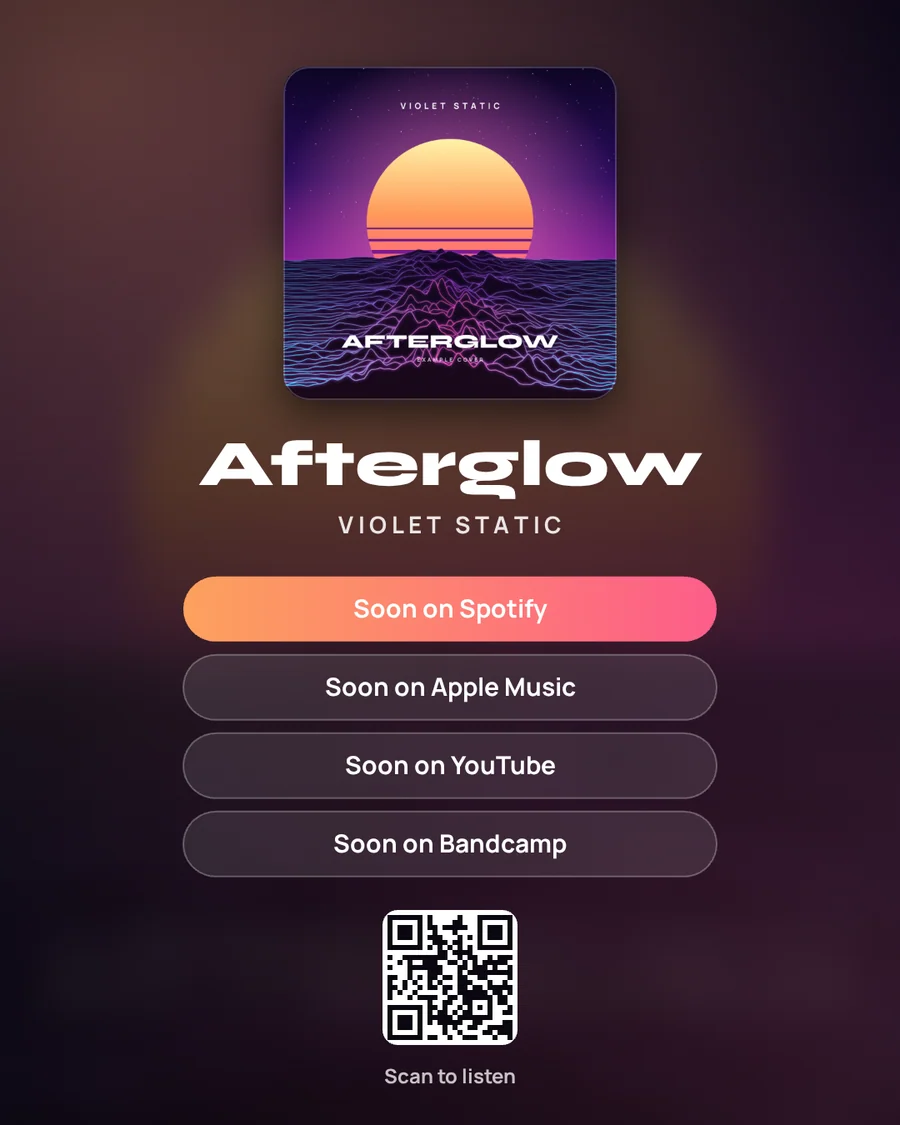
Story countdown, 1080 by 1920: a large number of days to go above the Afterglow cover
Story countdown 1080 × 1920Drawn by the tool on October 2, 2026, with the example’s release date set to Friday, November 13, 2026.
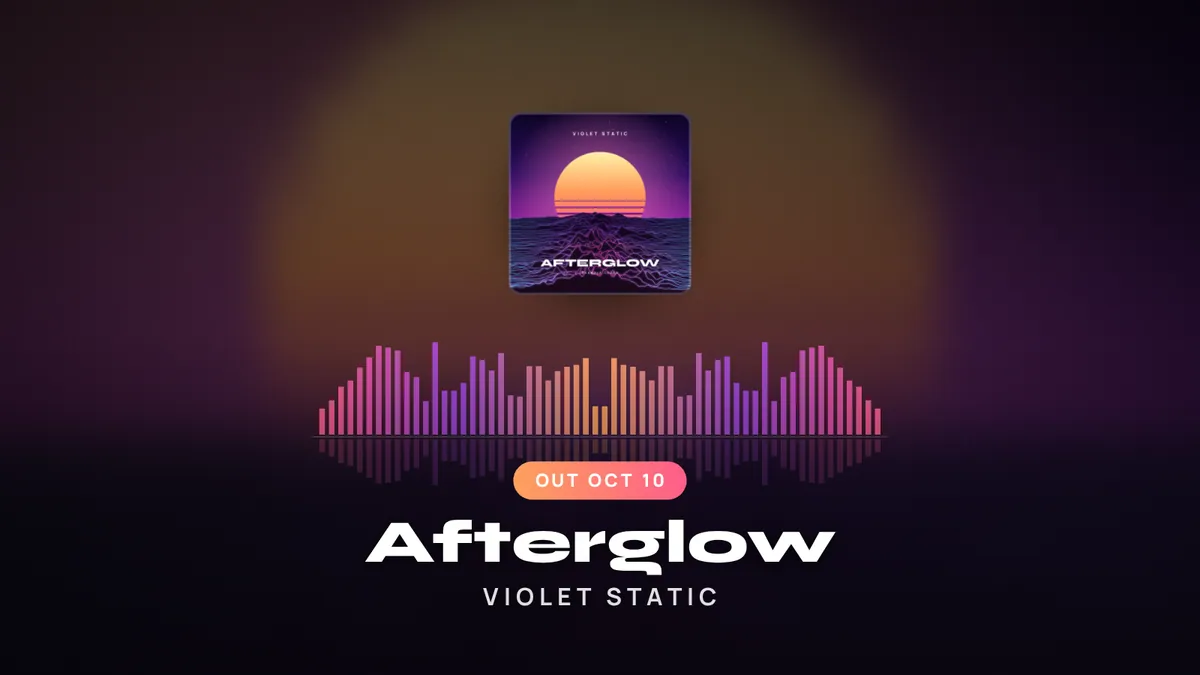
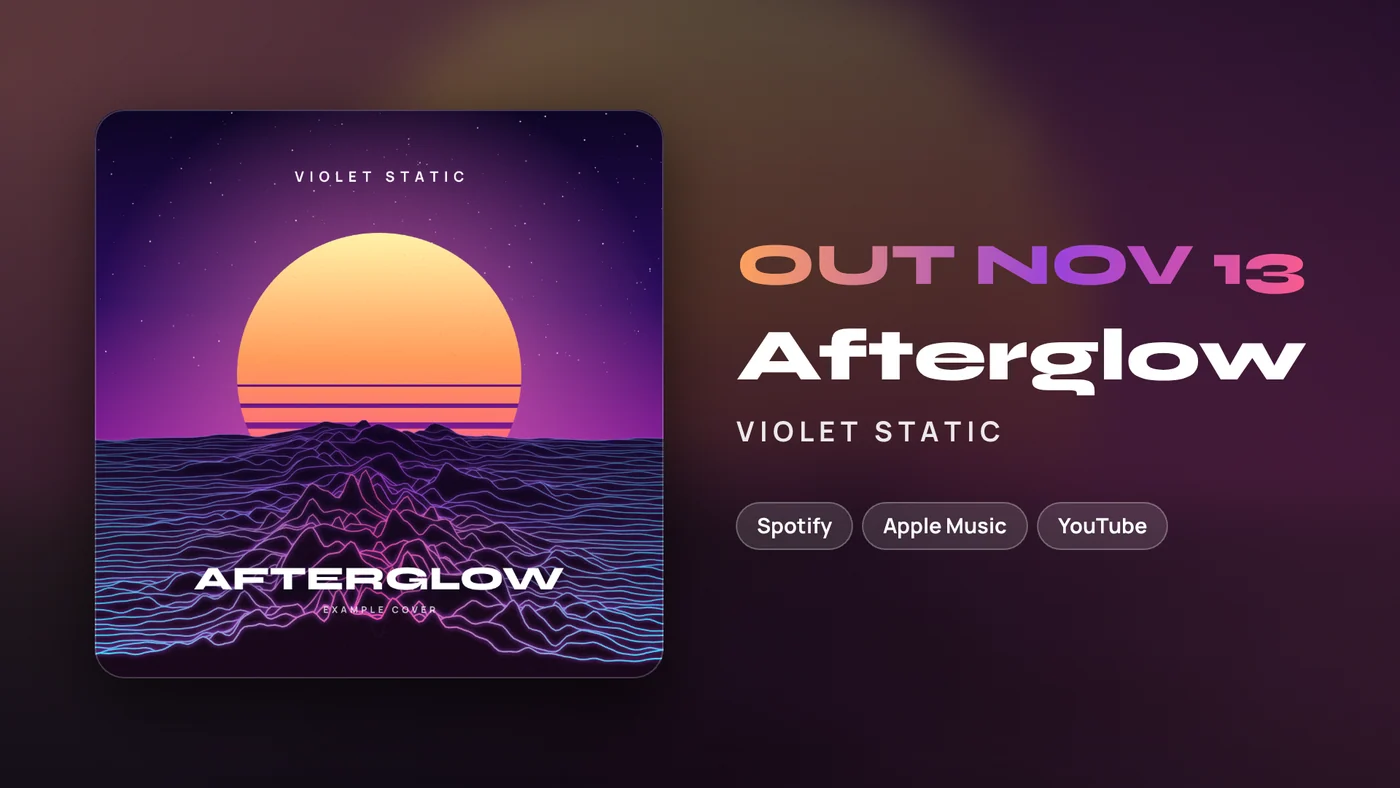
Out now banner, 1920 by 1080: the Afterglow cover beside the release date, title and platform names
Out now banner 1920 × 1080Drawn by the tool on October 2, 2026, with the example’s release date set to Friday, November 13, 2026.

Drawn, not templated. Each graphic is laid out from your own cover, title, date and colors, and redrawn the moment you change one.

Download them one PNG at a time, or all four in a ZIP on an unlocked release.

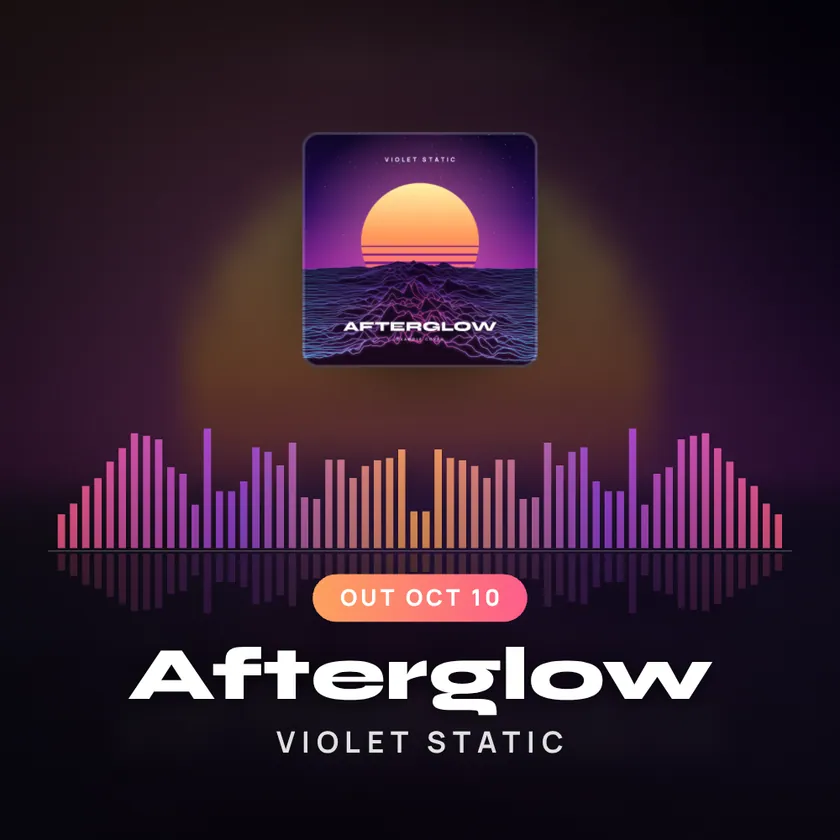
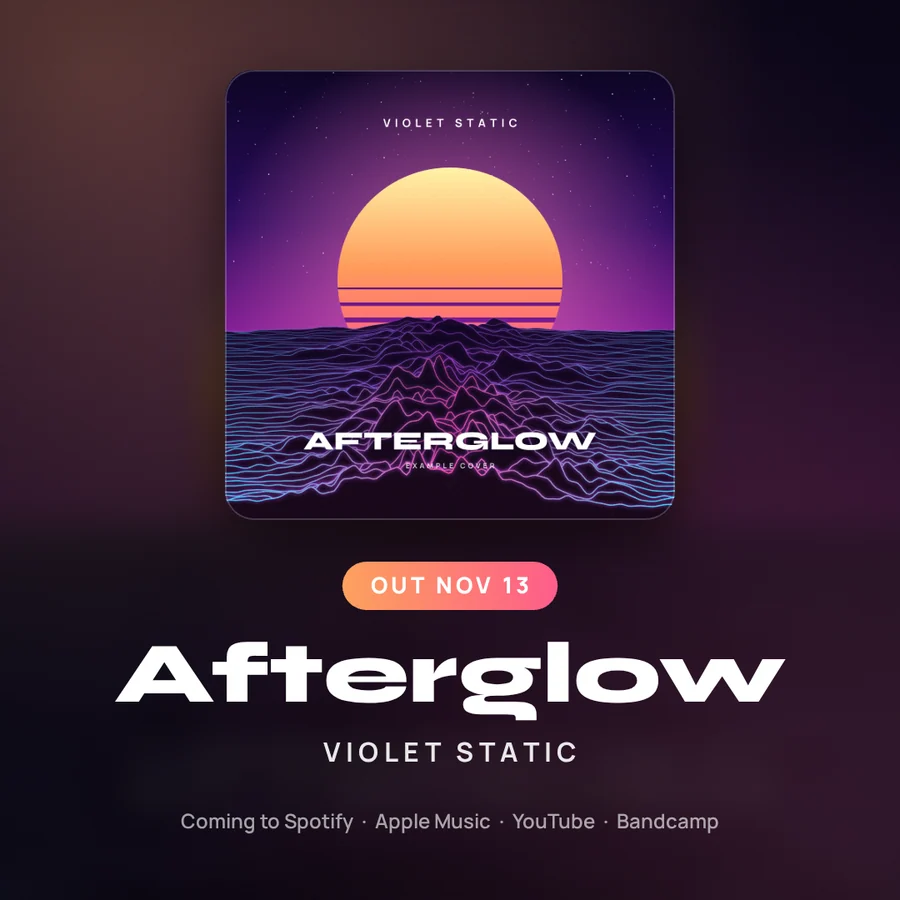
Announcement post, 1080 by 1080: the Afterglow cover with the release date and title
Announcement post 1080 × 1080Drawn by the tool on October 2, 2026, with the example’s release date set to Friday, November 13, 2026.

And five captions to post them with

Announcement, behind the song, countdown, listen now and a short one, each with a hashtag set built from your artist name and genre. The personal one leaves [brackets] for you, because only you know the story.

Walk through the example release

“Afterglow” comes out Sunday, October 11. Save it here: https://open.spotify.com/

#violetstatic #synthwave #retrowave #newmusic #comingsoon #independentartist #presave

Caption 1 of 5, written by the tool’s built-in template for the example release.

Pay per release, not per month.

You do not release a song every month, so there is no subscription. Try the whole tool free on one release. When a song is ready for the full treatment, one credit unlocks it.

Compare free and unlocked

Free

$0one release, no card

Try the whole tool on one release.

Start free

1 release

$19one-time, no subscription

1 credit. Unlocks one release in full.

3 releases

$49$16.33 each, no subscription

3 credits. Use them whenever the next songs are ready.

A MIDI keyboard beside a computer keyboard on a desk at night

Your track stays in the room

An unreleased song is the last thing you want sitting on someone else’s server. ReleaseKit opens and analyzes it inside your browser. The visualizer, the clips and the graphics are made on your device.

  • Stays on your device

    The song itself, every clip you record, every graphic you download.

  • Saved to your account

    Release details, links, the look you chose and your captions. No audio.

  • Public only when you publish

    Your cover and a 30 second preview that your browser encodes for the release page.

Before you ask

Do I need an account to try it?

No. Open the tool and a complete example release is already loaded, with a track and cover that were made in code. You can play it, switch visualizers, change colors and add your own song. An account is only asked for when you save a release, record a clip or download a graphic.

Is my song uploaded anywhere?

No. The song is opened and analyzed inside your browser and never leaves your device. If you publish a release page, two small files are stored for that page: your cover, resized, and a 30 second preview that your browser encodes from the part of the song you chose.

Which files can I use?

Songs: MP3, WAV, M4A or OGG, up to 80 MB, between 10 seconds and 15 minutes long. Cover art: JPEG, PNG or WebP, at least 200 pixels on each side (1400 by 1400 is ideal). The cover is centre-cropped to a square.

What kind of video file do I get?

A real video file with your audio, recorded by your browser. The tool asks the browser for MP4 (H.264) first and uses WebM (VP9 or VP8) when the browser cannot record MP4, so the type depends on your browser. You choose 540p, 720p or 1080p, and the file type, size and length are shown before you download.

Why does recording take as long as the clip?

Browsers record video in real time, so a 30 second clip takes 30 seconds. You see a percentage and the time left while it runs. Keep the tab open and in front until it finishes. If your device cannot draw the visualizer fast enough, the tool stops and tells you instead of saving a frozen clip.

All questions and answers
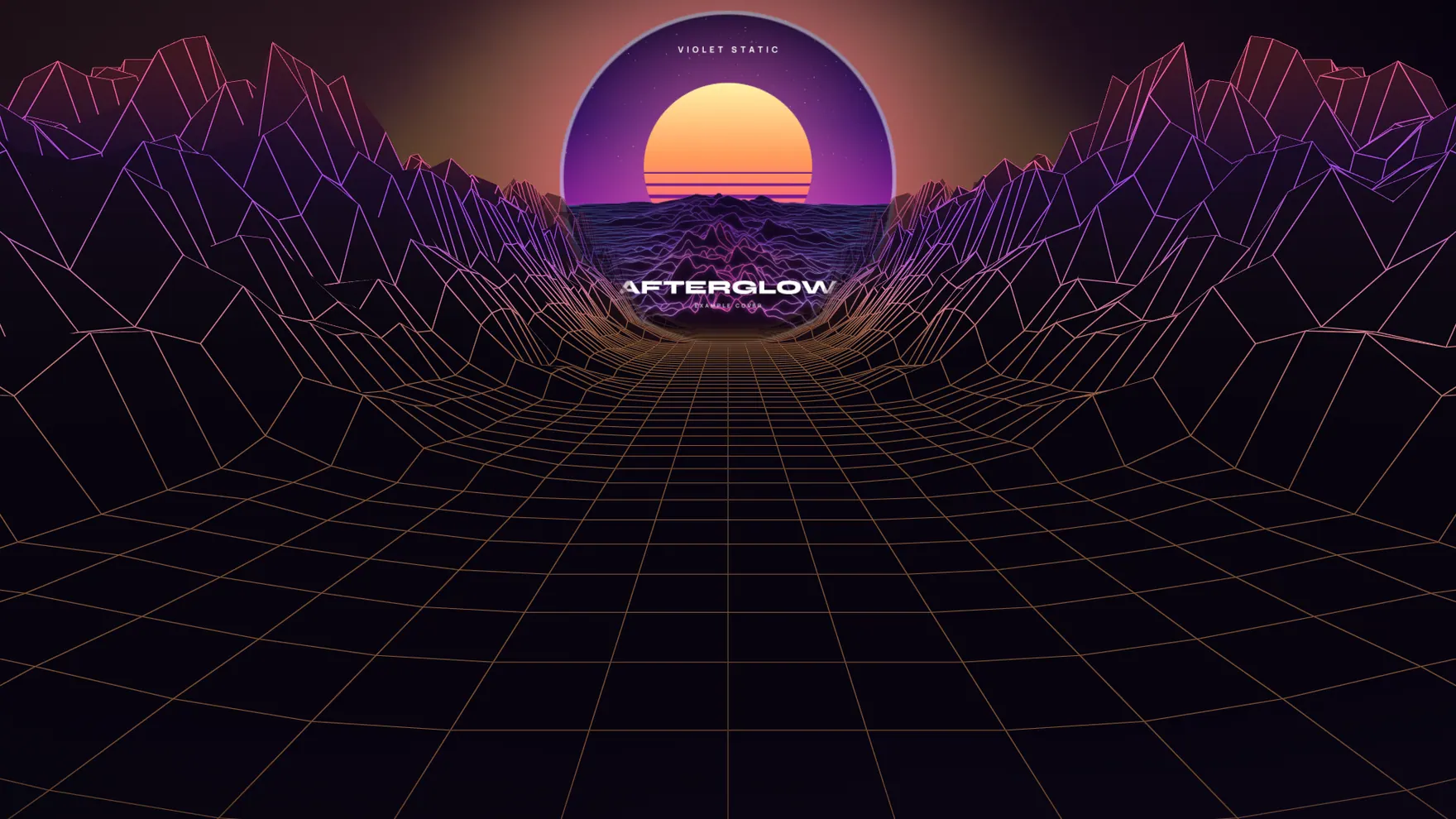
The wire terrain visualizer: a neon wireframe landscape rolling toward the horizon, with the example cover as the sun

Make the room move.

Open the tool with the example loaded. Swap in your own song when you are ready.

Try it free See pricing

No sign-up to try. Your song stays in your browser.