
Questions, answered straight
How the tool works, what is free, what a credit unlocks and what happens to your song.

Do I need an account to try it?
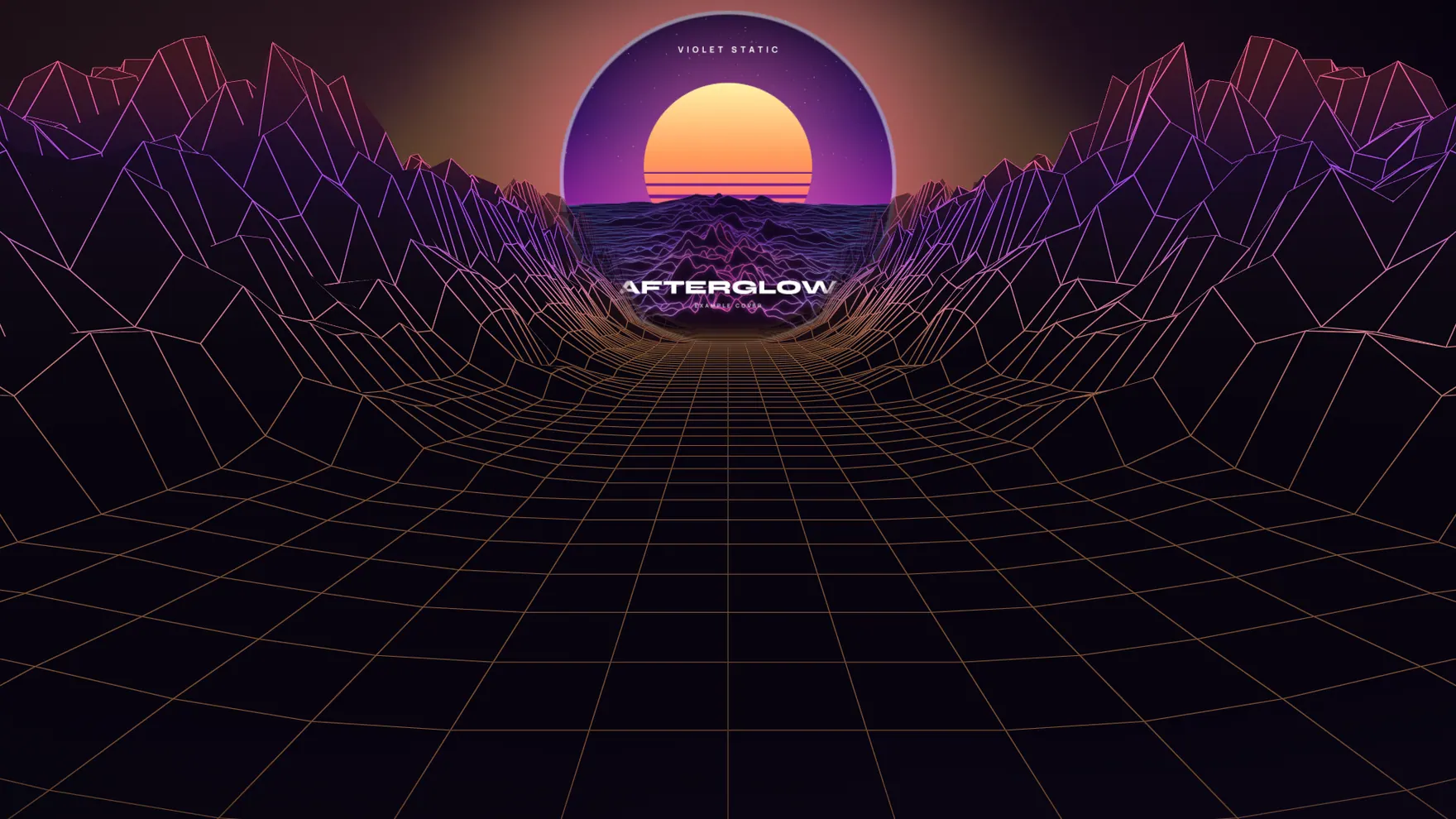
No. Open the tool and a complete example release is already loaded, with a track and cover that were made in code. You can play it, switch visualizers, change colors and add your own song. An account is only asked for when you save a release, record a clip or download a graphic.
Is my song uploaded anywhere?
No. The song is opened and analyzed inside your browser and never leaves your device. If you publish a release page, two small files are stored for that page: your cover, resized, and a 30 second preview that your browser encodes from the part of the song you chose.
Which files can I use?
Songs: MP3, WAV, M4A or OGG, up to 80 MB, between 10 seconds and 15 minutes long. Cover art: JPEG, PNG or WebP, at least 200 pixels on each side (1400 by 1400 is ideal). The cover is centre-cropped to a square.
What kind of video file do I get?
A real video file with your audio, recorded by your browser. The tool asks the browser for MP4 (H.264) first and uses WebM (VP9 or VP8) when the browser cannot record MP4, so the type depends on your browser. You choose 540p, 720p or 1080p, and the file type, size and length are shown before you download.
Why does recording take as long as the clip?
Browsers record video in real time, so a 30 second clip takes 30 seconds. You see a percentage and the time left while it runs. Keep the tab open and in front until it finishes. If your device cannot draw the visualizer fast enough, the tool stops and tells you instead of saving a frozen clip.
What does the free release include?
1 saved release per account, clips up to 15 seconds, 2 visualizer styles for export (spectrum ring and mirrored bars; all 6 can be previewed), the four announcement graphics one PNG at a time, and the captions. Free clips and graphics carry a small “Made with ReleaseKit” mark in the corner.
What does a credit unlock?
One credit unlocks one release in full: all 6 visualizer styles, clips up to 60 seconds, no mark, the public release page with its numbers and email sign-ups, the graphics as one ZIP, and the release page as a downloadable HTML file. An unlocked release does not count toward your free allowance.
Is there a subscription?
No. You pay per release: $19 for 1 release and $49 for 3 releases. Credits sit in your account until you use them to unlock a release.
What is on the release page?
Your cover, title and artist name, an optional line of your own, the release date with a live countdown, a 30 second preview player, and one button for each platform link you filled in. You can also switch on a “Notify me” box that collects email addresses. The page has no site header or footer, so it is all about the release.
What numbers do I see for a release page?
Page views, link clicks for each platform, and sign-ups. A visitor is counted once per 30 minutes, and your own visits while signed in are not counted. ReleaseKit does not track visitors across sites or build profiles of them.
Who can see the email sign-ups?
Only you. Addresses are stored with the release and you download them as a CSV file from My releases. ReleaseKit does not send marketing email to your fans; what you do with the list is between you and them.
Can I host the release page myself?
Yes. An unlocked release can be downloaded as one HTML file with the cover, the preview audio and the fonts inside it. That file works anywhere, including opened straight from your computer. It has no sign-up box and does not count visits, because those need a server.
Are the captions written by AI?
They are written from your release details by built-in templates, and “Shuffle wording” gives you another take. If this site has an AI service connected, a “Write with AI” button appears as well. Either way, the caption about the story behind the song leaves [brackets] for you to fill in rather than inventing facts about you.
Does ReleaseKit distribute my music or post for me?
No. It does not send your song to streaming services, and it does not post to social accounts. It makes the visualizer, the clips, the graphics, the page and the captions; you upload and post them where you want.
Which browsers and devices does it work on?
Any current browser with WebGL 2: Chrome, Edge, Firefox and Safari. Everything works on a phone, but recording video is heavy work, so a laptop or desktop gives the smoothest clips. ReleaseKit was built and tested in Chromium; if something misbehaves in your browser, tell us through the Contact page.
Make the room move.
Open the tool with the example loaded. Swap in your own song when you are ready.
No sign-up to try. Your song stays in your browser.