ReleaseKit
Try it free

From a finished track to a finished rollout

ReleaseKit is one tool with five steps. Each one is shown here as it really looks, with the example release that loads when you open it.

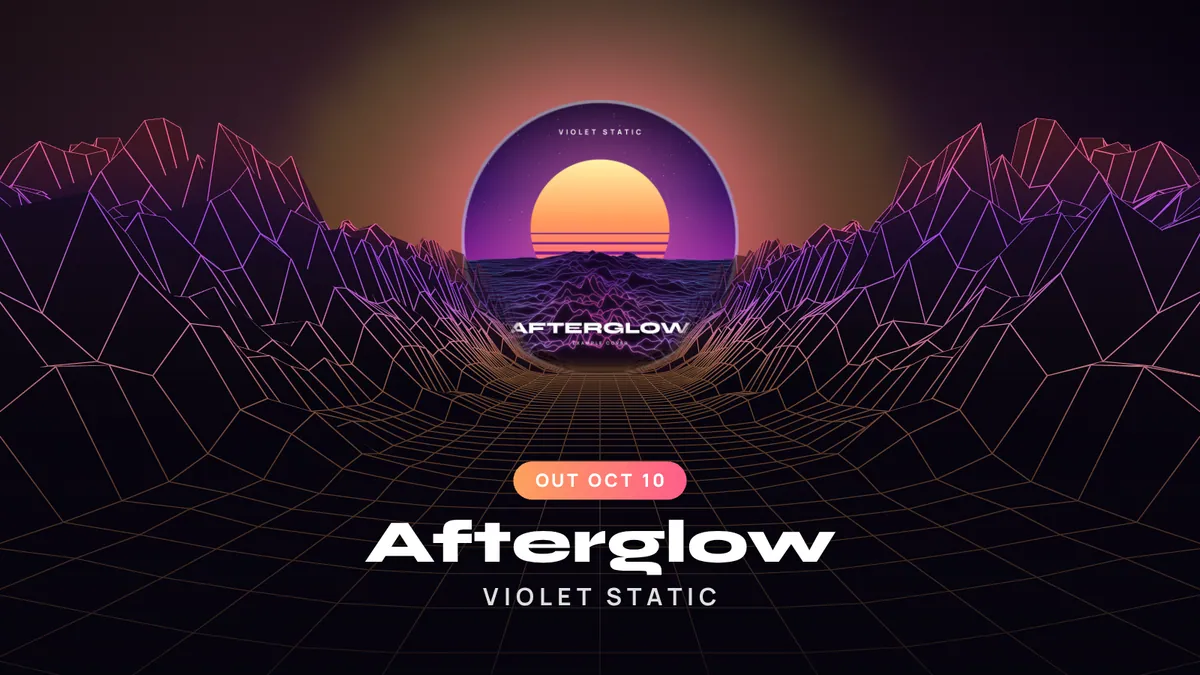
The wire terrain visualizer in a wide frame, with the example cover as the sun
Afterglow by Violet Static Example track, generated in code
Sound off

Step 1

Release: your song, your cover, your links

Add the song by dragging it in or choosing a file. It is decoded in your browser with a progress bar, and the whole waveform is drawn so you can see the shape of the track.

  • MP3, WAV, M4A or OGG, up to 80 MB
  • Drag the highlighted window, or use the arrow keys, to choose 15, 30 or 60 seconds
  • “Find the loudest part” moves the window for you
  • Cover art is cropped to a square and three colors are picked from it
  • Artist, title, release date, genre, and one link per platform
The release screen: waveform with the clip window, clip length buttons, release details and cover art
The release screen with the example track. Screenshot taken on October 2, 2026, with the example’s release date set to Friday, November 13, 2026.

Step 2

Visualizer: 6 looks that follow the music

One WebGL canvas, driven by a real frequency analysis of your audio at the playhead: 64 bands and beat detection. Nothing is pre-rendered or faked; change the song and the picture changes.

  • Spectrum ring, mirrored bars, particle field, spinning vinyl, liquid and wire terrain
  • Vertical 9:16, square 1:1 and wide 16:9
  • Colors from your cover, each adjustable by hand
  • Title, artist and a label (OUT NOW, the date, or your own words) in six fonts
See all six running
The visualizer screen: a vertical preview of the spectrum ring with style, format, color and text controls
The visualizer screen. Locked styles can still be previewed on a free release. Screenshot taken on October 2, 2026, with the example’s release date set to Friday, November 13, 2026.

Step 3

Clips: real video files, recorded in your browser

Press Record clip and the tool records the canvas together with your chosen part of the song. Browsers record in real time, so a 15 second clip takes 15 seconds, with a percentage and the time left on screen.

  • 540p, 720p or 1080p
  • MP4 (H.264) where your browser can record it, otherwise WebM
  • The finished clip plays in a dialog with its real length, size and type before you download
  • If your device cannot keep up, the tool stops and says so instead of saving a frozen clip
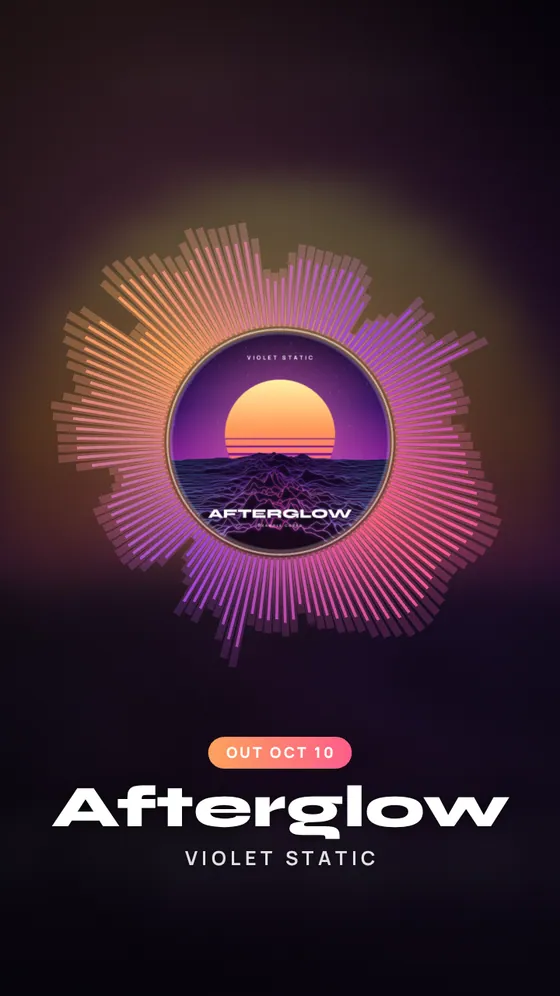
A vertical clip frame of the spectrum ring visualizer
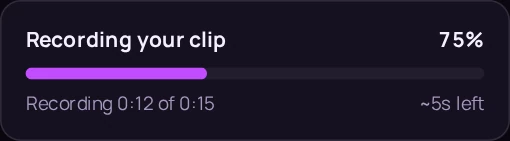
The progress card while a clip records, with the percentage and the time left
A vertical clip frame, and the progress card as it looks while recording.

Step 4

Graphics: four stills, ready to post

Drawn from your cover, details and colors, and redrawn whenever you change something.

  • Announcement post, 1080 × 1080
  • Story countdown, 1080 × 1920, with the days to go
  • Out now banner, 1920 × 1080
  • Streaming link card, 1080 × 1350, with a QR code
  • PNG one at a time, or all four in one ZIP on an unlocked release
The graphics screen: the out now banner, story countdown, announcement post and link card for the example release
The graphics screen. Screenshot taken on October 2, 2026, with the example’s release date set to Friday, November 13, 2026.

Step 5

Release page: one link for everything

A public page with your cover, a 30 second preview, a countdown and a button per platform. You watch a live phone preview while you edit, then publish.

  • Publishing encodes the preview in your browser and uploads only that and the cover
  • Page views, link clicks per platform and sign-ups
  • Optional “Notify me” box; sign-ups download as a CSV
  • Update or unpublish any time; download the page as one HTML file
Open the example release page
The release page screen: a phone preview of the page beside its numbers and page options
The release page screen after our own test visit: one view, one click, one sign-up. Screenshot taken on October 2, 2026, with the example’s release date set to Friday, November 13, 2026.

Also in the kit

Captions and My releases

Five captions with hashtag sets are written from your details: announcement, behind the song, countdown, listen now and a short one. Shuffle the wording, edit in place, copy one or all. Your edits are saved with the release.

My releases lists everything you have saved with its page views, clicks and sign-ups, and is where your credits live.

The captions screen: five captions with hashtags for the example release, each with a copy button
The captions screen. Brackets mark what only you can write. Screenshot taken on October 2, 2026, with the example’s release date set to Friday, November 13, 2026.

What it does not do

Better to know now than after you sign up.

  • It does not distribute your music.

    You still need a distributor to get the song onto streaming services.

  • It does not post for you.

    You download the clips and graphics and post them yourself.

  • It does not edit, mix or master audio.

    It uses the song as you made it.

  • It does not promise streams.

    It makes the promo. The song does the rest.

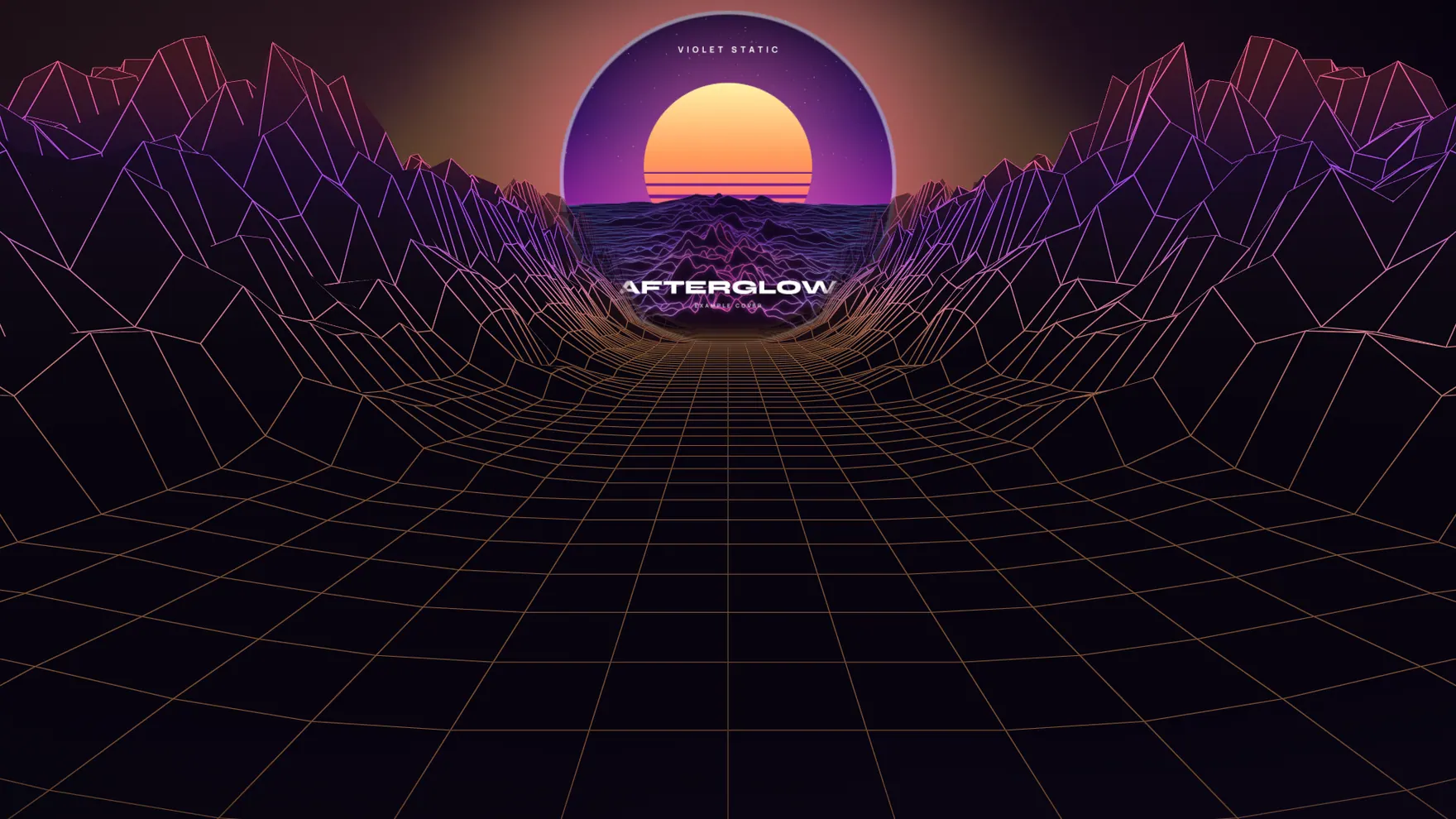
The wire terrain visualizer: a neon wireframe landscape rolling toward the horizon, with the example cover as the sun

Hear it. See it. Post it.

Open the tool with the example loaded. Swap in your own song when you are ready.

Try it free See pricing

No sign-up to try. Your song stays in your browser.