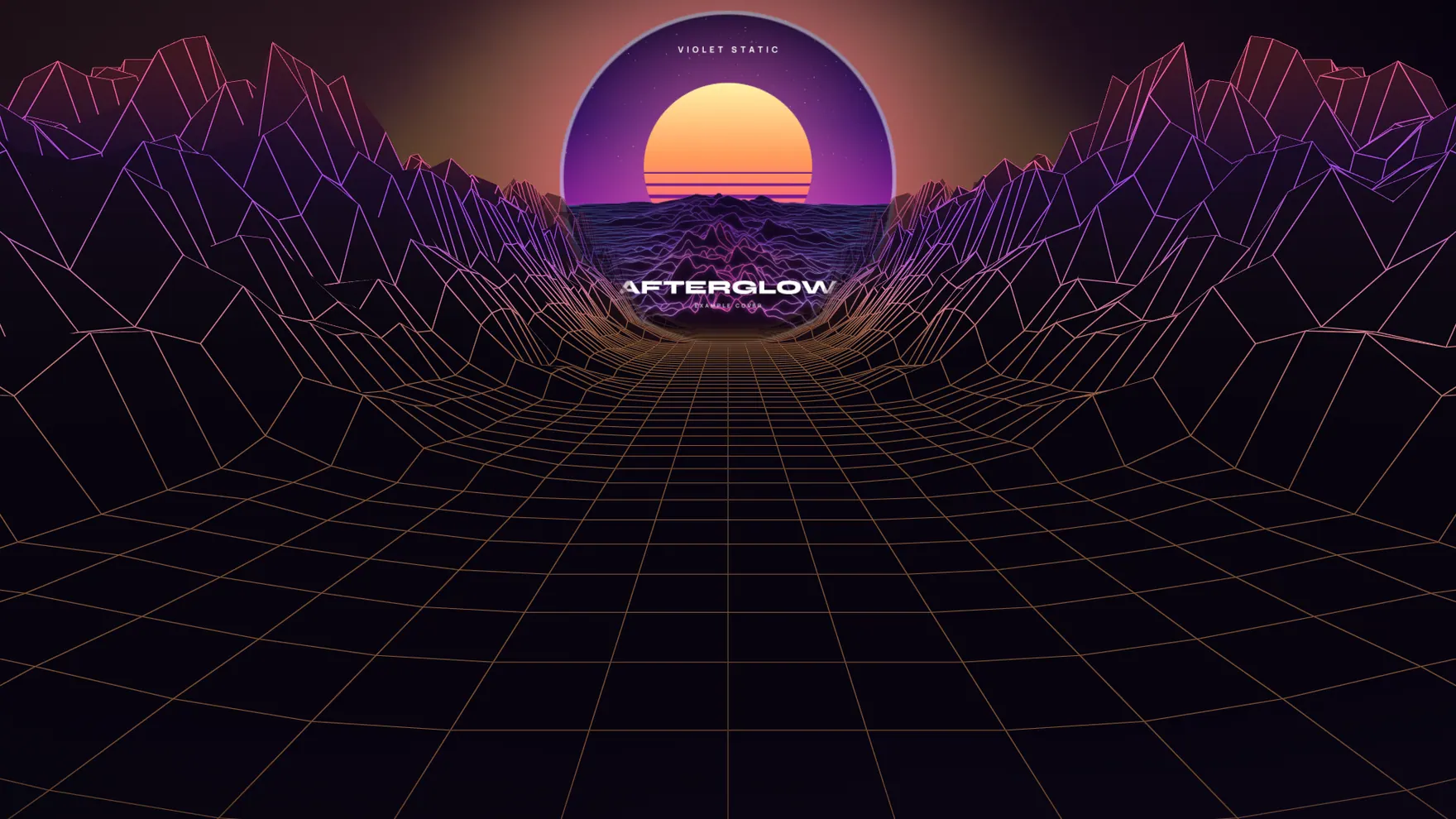
Most advice about releasing music assumes a team: someone for the artwork, someone for the video, someone watching the numbers. If you are the artist, the engineer and the social media manager, that advice mostly produces guilt. This is a smaller plan. It fits in two weeks, it needs about six posts, and every piece of it can be made in an evening.
Before you start: three things to have ready
- The final master and the cover. Do not announce a date until both exist. A date you move is worse than no date.
- One link. Every post should point to the same place, and that place should work before release day as well as after it. A release page with a countdown and a short preview does this; a bare streaming link does not, because before release day it goes nowhere.
- The fifteen seconds. Decide which part of the song people will hear first. It is usually not the intro. Pick it once and use it everywhere so the hook becomes familiar.
The two weeks
Day 14: announce. One still image: cover, title, date. Say the date in words in the caption as well, because plenty of people read captions without opening the image. Put the link in your bio and leave it there.
Day 10: the first sound. Post a short vertical clip with the hook. This is the post most people will actually meet the song through, so give it your best fifteen seconds and make sure something on screen is moving with the music. A static cover with audio underneath gets scrolled past; movement that follows the kick or the vocal makes people wait for the next bar.
Day 7: something only you can say. Where you wrote it, what the second verse is about, who played the part everyone asks about. Two or three honest sentences. This is the one post no tool can write for you, and it is usually the one that gets replies.
Day 3: countdown. A story-shaped graphic with the number of days left. Stories disappear after a day, which is exactly right for a countdown.
Day 0: out now. A second clip, different from the first: another look, or the same look in square for the feed. Change the tag from the date to “out now”. Update the link page so the buttons go to the live track.
Day 2 after: the wide one. A 16:9 version for YouTube and X, and a thank-you. If you collected email addresses on your release page, this is the day to write to them, once, with the link.

What to make, and in what shape
You need fewer assets than you think, but each in the right shape:
- Vertical 9:16 clip for Reels, TikTok and Shorts.
- Square 1:1 clip or image for the feed.
- Wide 16:9 clip for YouTube and X, and a banner for headers.
- A vertical story image for the countdown.
Making these by hand in a video editor is where most solo rollouts stall. That is the gap ReleaseKit is built for: you add the song and the cover once, and it gives you the visualizer in all three shapes, four graphics and the link page. You can try it on the example release without an account.
Three mistakes that cost the most
Posting the link once. People need to see where to go several times. Keep it in your bio for the whole two weeks and mention it in every caption.
Changing the look every post. Use the same colours and the same type across the rollout. Repetition is what makes six small posts feel like one release.
Going quiet on release day. The day the song comes out is the middle of the campaign, not the end. Plan the two posts after it before you start.
A checklist you can copy
- Master and cover final
- Release page live, link in bio
- Hook chosen (15 seconds)
- Announcement image
- Vertical clip
- One personal post, written in your own words
- Story countdown
- Out-now clip, link buttons updated
- Wide clip and thank-you
Six posts, one link, two weeks. It is not a label campaign. It is enough for the people who already like you to notice, and for a few new ones to find the song.