ReviewLoop

Four ways to put your QR code in front of people.

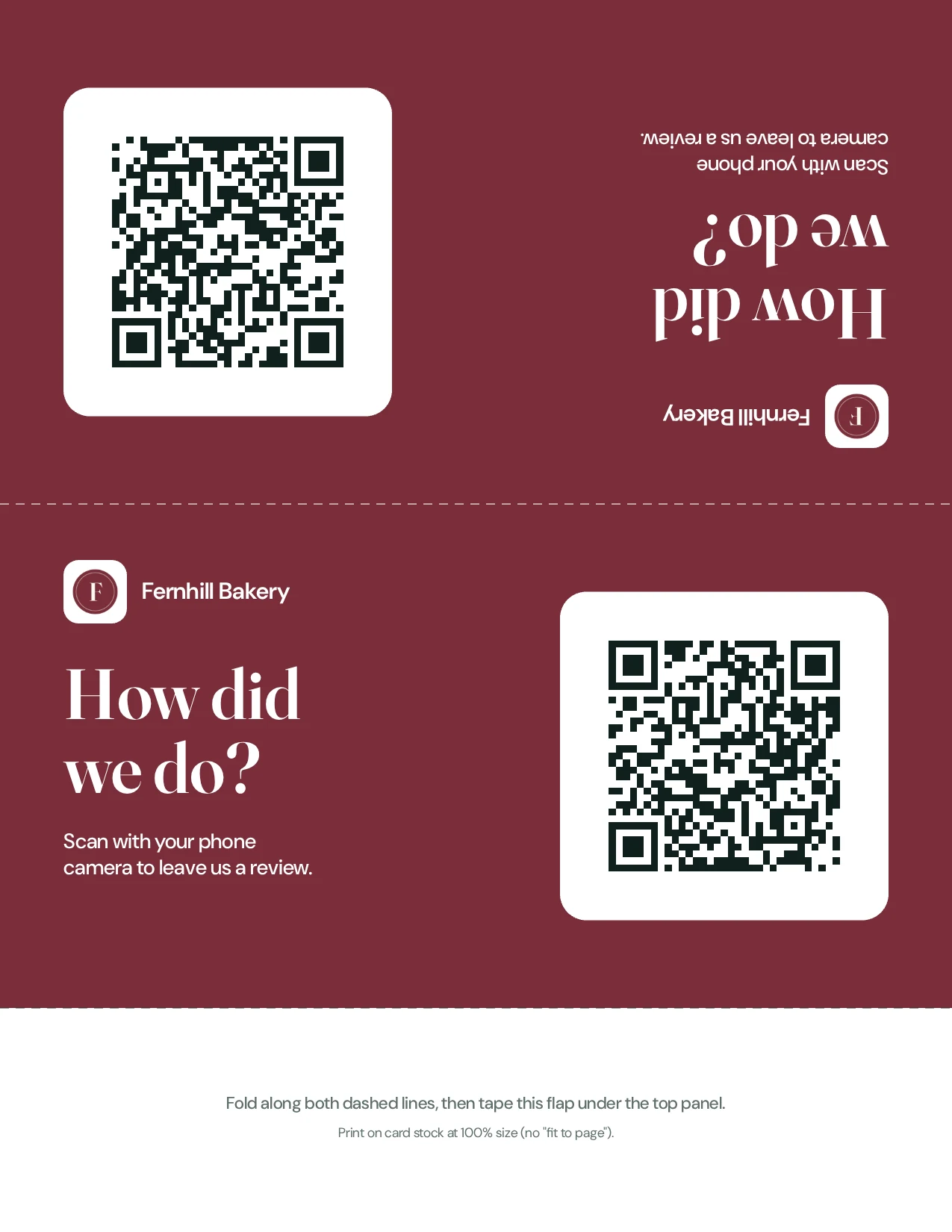
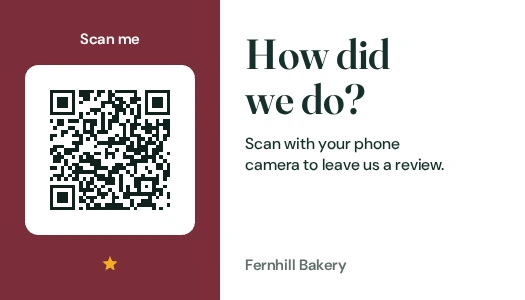
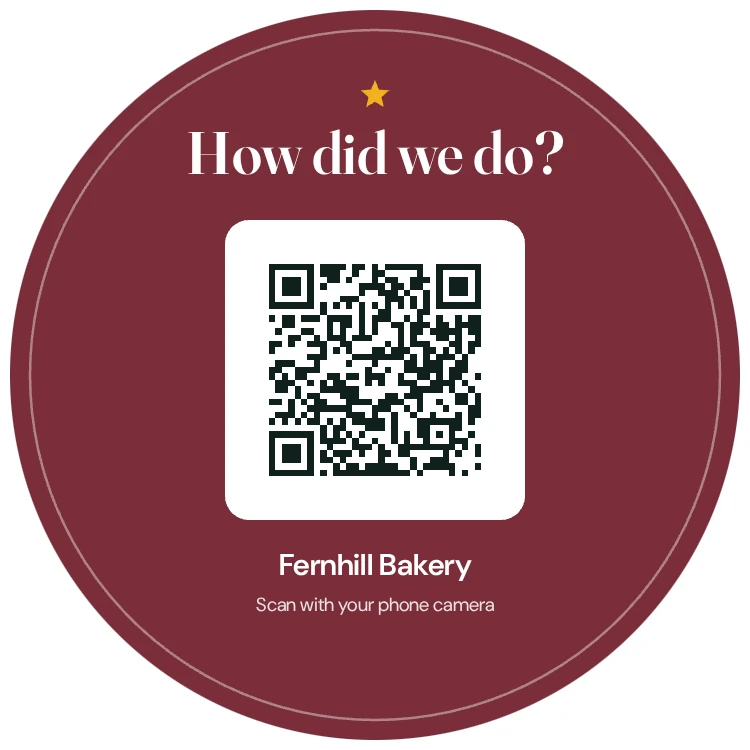
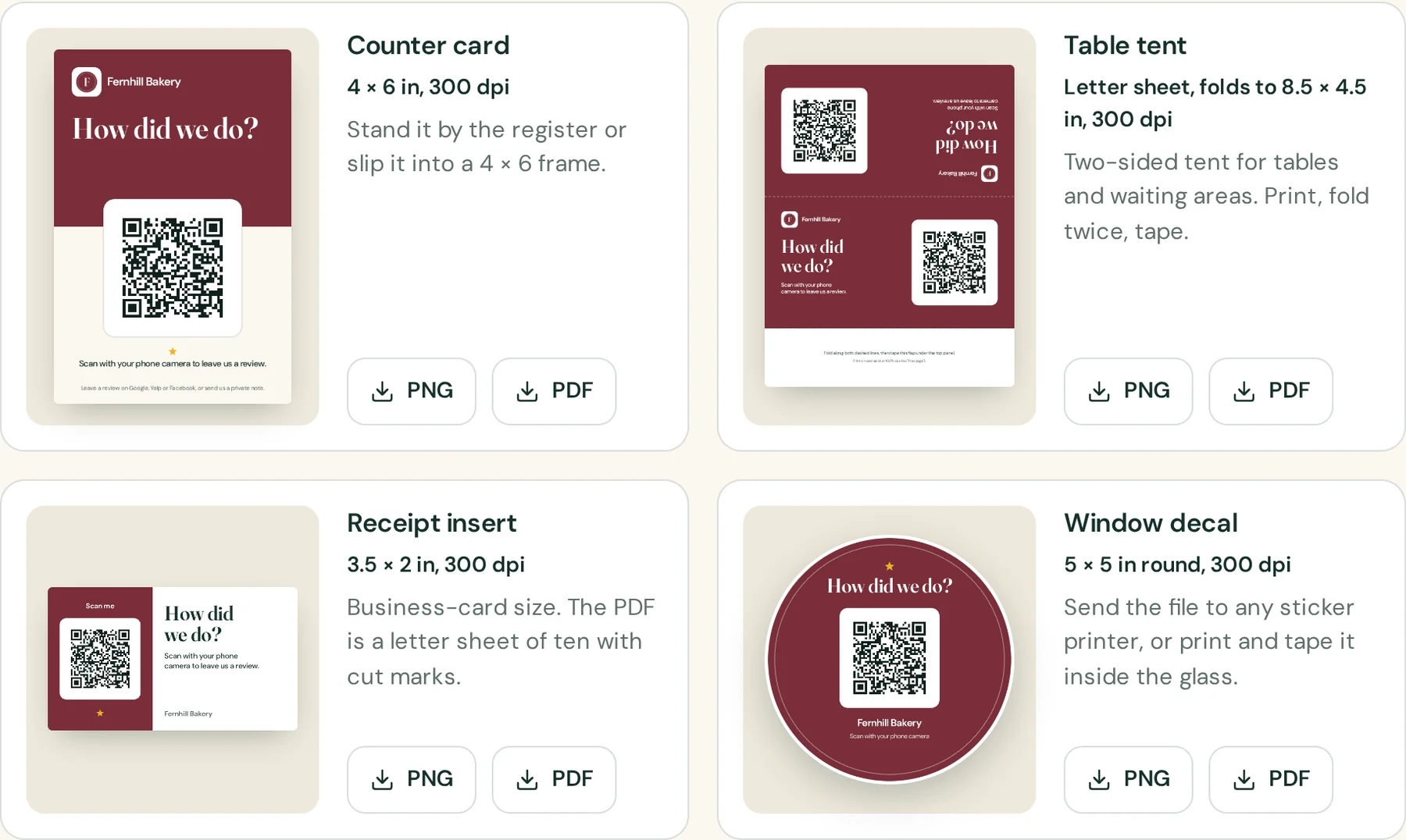
A counter card, a table tent, a receipt insert and a window decal. Each one is drawn at 300 dpi in your color with your logo, and downloads as a PNG and a PDF.

Put your name on them.

Type your business name and pick a color. The four designs below are redrawn by the tool’s own print engine as you type.

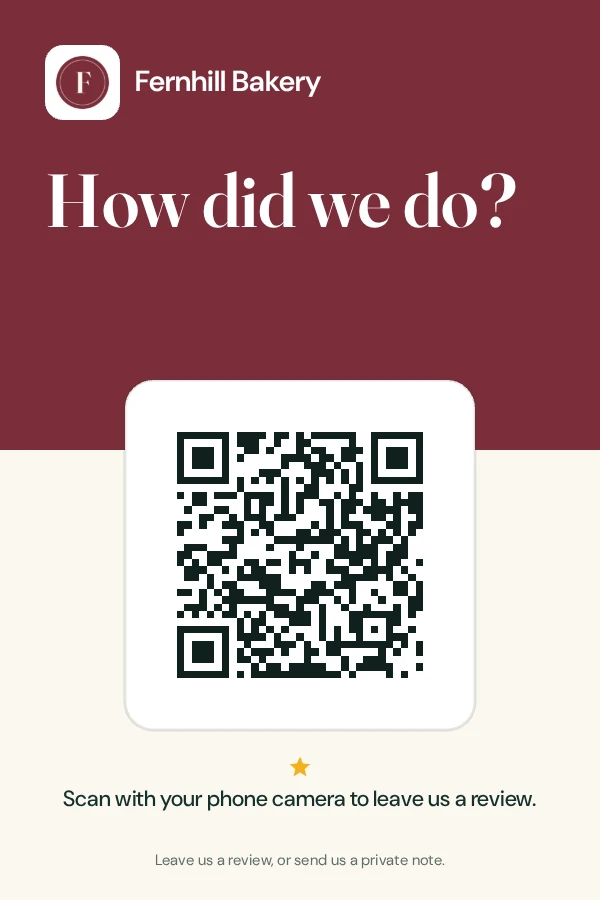
The four print designs in the tool: counter card, table tent, receipt insert and window decal, each with PNG and PDF downloads
Example data

These previews are drawn at screen size. In the tool the same designs download at full print size, with your logo and your own review link behind the code. The code shown here opens an example review page; scan it with your phone to see what a customer sees.

Before you print fifty.

Four small things that decide whether a code gets scanned.

  1. Print at 100%. Turn off “fit to page”, or the folds and cut marks will not line up.
  2. Choose matte. Glossy paper under shop lights turns a QR code into a mirror.
  3. Scan it yourself. From where a customer would stand, before it goes on the counter.
  4. Leave the white border. The quiet margin around the code is how a phone camera finds it.

More on placement in the notebook: Where to put a review QR code so people actually scan it.

Your code, on your counter, tonight.

The counter card is on the Free plan. Set up your page, download the card and print it at any photo counter.

Try it free See pricing