How to find local businesses that need a website, without buying a lead list
Bought lead lists are stale, shared with every other buyer and tell you nothing about the business. Here is a slower-sounding method that is faster in practice: survey one town properly.
Every freelancer who builds websites for local businesses eventually considers buying a list of leads. The pitch is tempting: thousands of businesses, a few cents each, delivered as a spreadsheet. The trouble starts when you open it. The list was sold to everyone else who paid, half the rows are out of date, and nothing in it tells you the one thing you need to know: does this business have a problem you can fix?
There is a better way to spend the same hour. Pick one town and survey it properly.
Start with a place you can speak about
Choose a town you know, or one near enough that you could plausibly drop in. Local business owners take a call from someone forty minutes away more seriously than a message from nowhere in particular. You will also recognize names, which helps you avoid pitching a national chain’s franchise as if the owner controlled the website.
Then pick one trade. Dentists, auto repair shops, hair salons, plumbers, restaurants: any category where customers search on a phone and call the first business that looks trustworthy. One town and one trade gives you a list short enough to finish.
Use the map, not a search engine
Searching “dentist near me” shows you the businesses that are already doing well online. You want the ones on page three, and the ones that are not there at all. A map does not rank. It shows everyone with a door on the street.
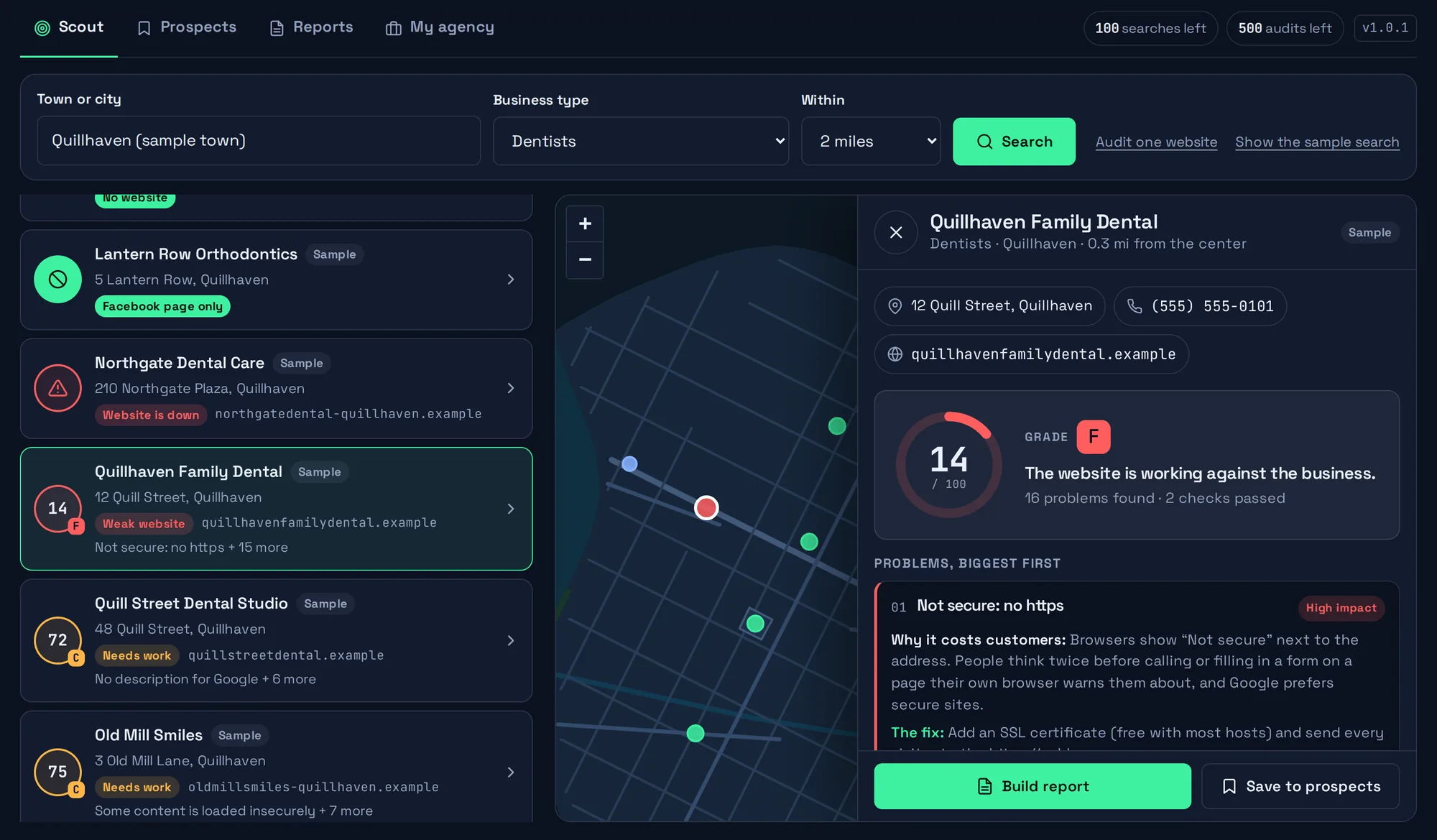
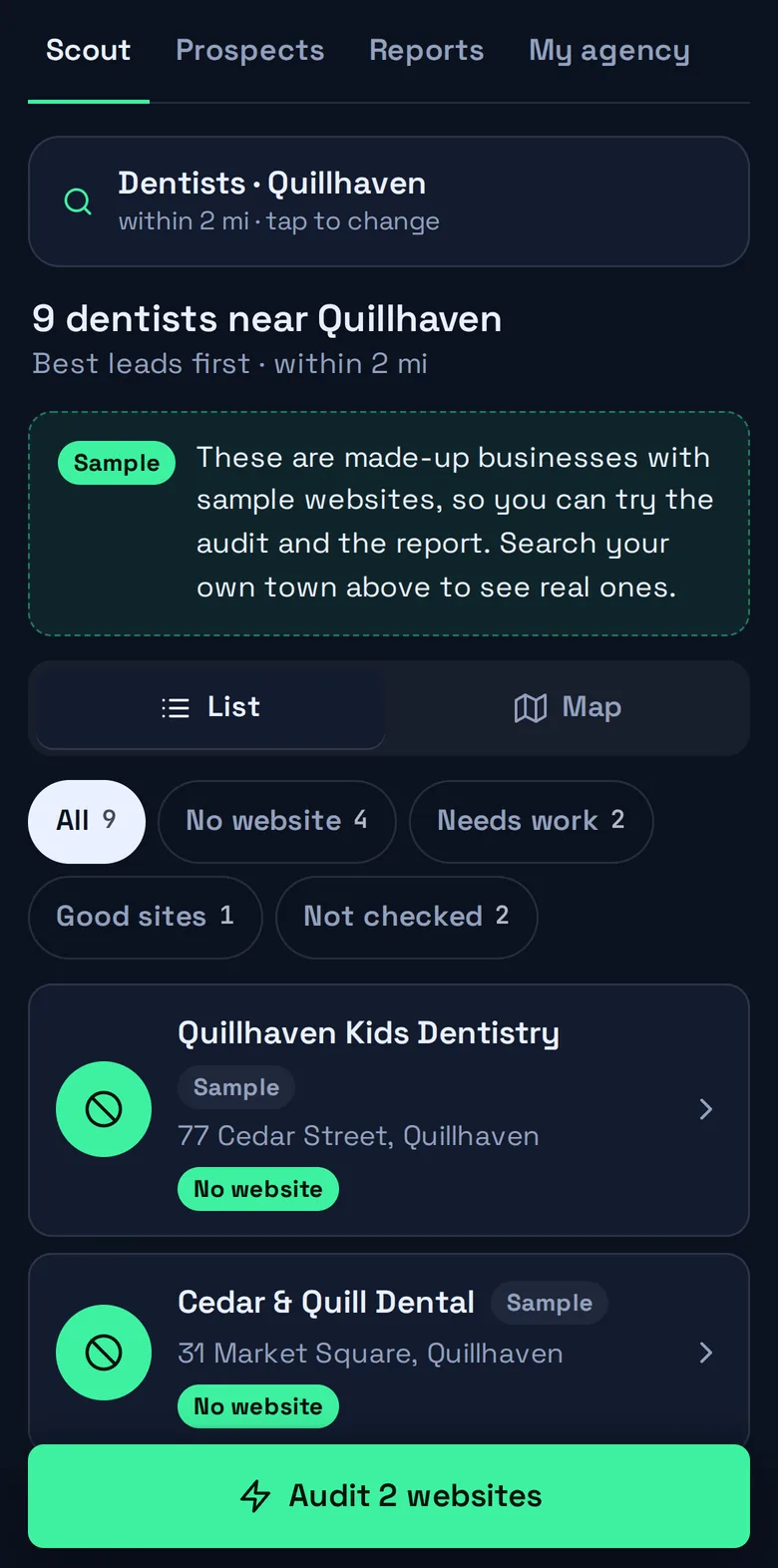
OpenStreetMap is the open, community-maintained map of the world, and its data is free to use. Each business entry can carry a name, an address, a phone number and a website. The entries with no website are your first group. You can browse the map by hand, query it with a tool like Overpass, or let SiteScout do both: it asks the map for every business of one type within a radius and puts the ones with no website at the top.
One caution. “No website on the map” is not always “no website”. Volunteers keep the map up to date and some entries lag behind. Search the business name before you get in touch, so you do not open with a claim that is wrong.
Sort what you find into three piles
No website at all. These businesses rely on walk-ins, word of mouth and perhaps a Google Business Profile. The conversation is simple: when someone compares three dentists, the one with nothing to click gets skipped. Some owners have decided they do not need a site, and that is their right. Many have just never got round to it.
A social page standing in for a website. A Facebook page is better than nothing, but the business does not control how it looks, visitors are nagged to log in, and it is hard to find opening hours or a price list. This is often the easiest conversation of the three, because the owner already knows they should have something better.
A website that is letting them down. This is the largest pile and the one that takes work to judge. A site can look acceptable on your desktop screen and still be unusable on a phone, flagged “Not secure” by the browser, or invisible to Google because of a leftover setting. You need to check, and you need to check the same things every time so that your judgment is consistent.
Check before you call
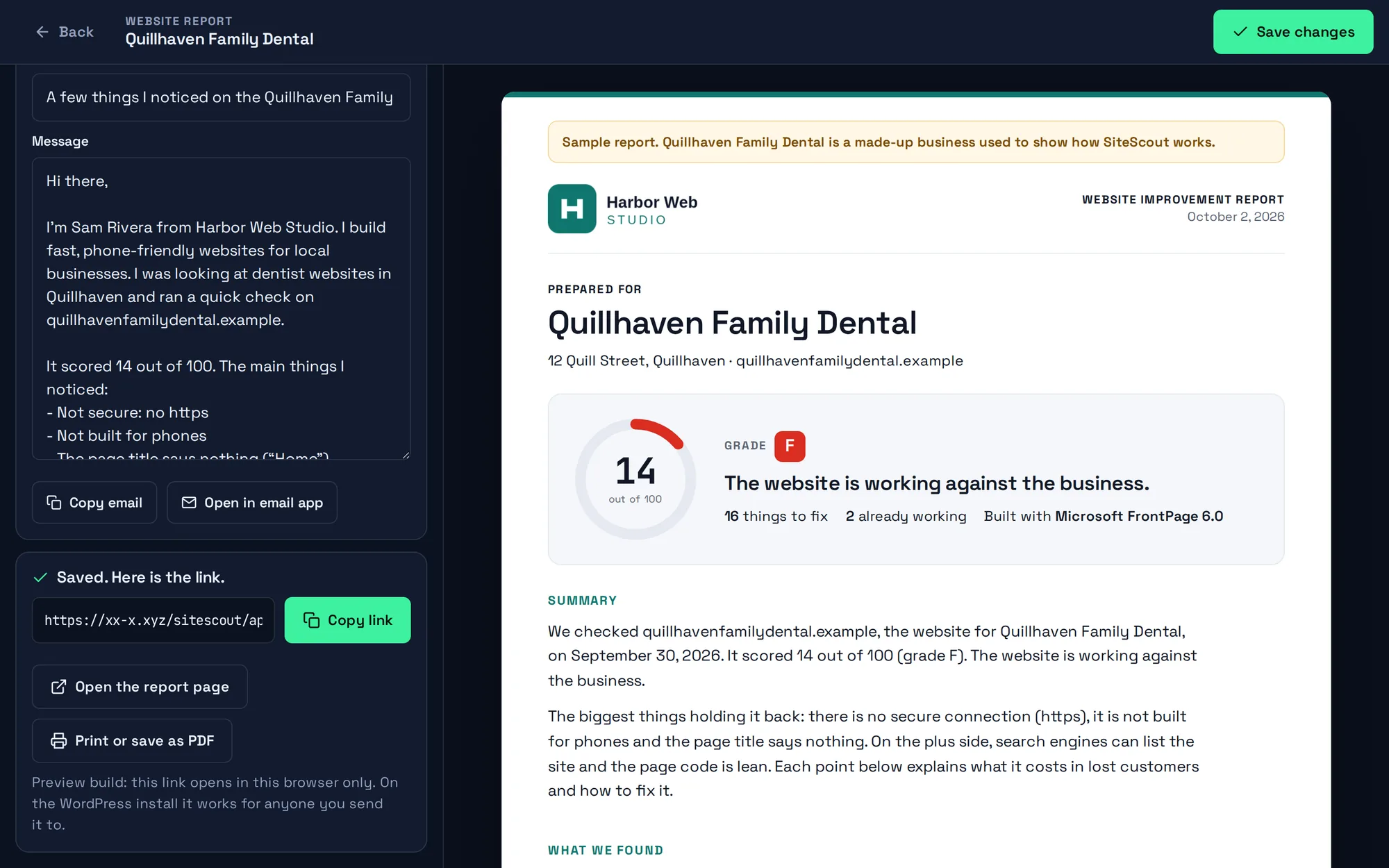
For each site in the third pile, look at the basics: does it load over https, does it fit a phone screen, does the page title say what the business does, can you tap the phone number, how long does the server take to answer. Our list of 19 checks covers the ones that reliably matter to a local business. Doing them by hand takes about ten minutes a site. SiteScout runs all of them on a whole list while you make coffee, and ranks the results so the weakest sites surface first.
The point of checking is not to collect faults. It is to make sure that when you contact the owner, the first thing you say is specific, true and about their customers: “your phone number cannot be tapped on a phone” lands differently from “I noticed your website could use some work”.
Keep the list small and finish it
Twenty businesses surveyed properly beat two thousand rows in a spreadsheet. Save the five or ten where you can clearly help, write down what you found, and contact them one at a time. Keep a note of who you reached and what they said, even if it is just a column in a spreadsheet or a simple pipeline: New, Contacted, Replied, Won, Not a fit.
Then pick the next trade, or the next town. A survey like this is repeatable, costs nothing but an hour, and each list you build is yours alone.