The ten-minute homepage audit: seven things to check on any local business website
You can tell a great deal about a local business website from its homepage alone. These seven checks need nothing but a phone and a browser, and each one maps to customers won or lost.
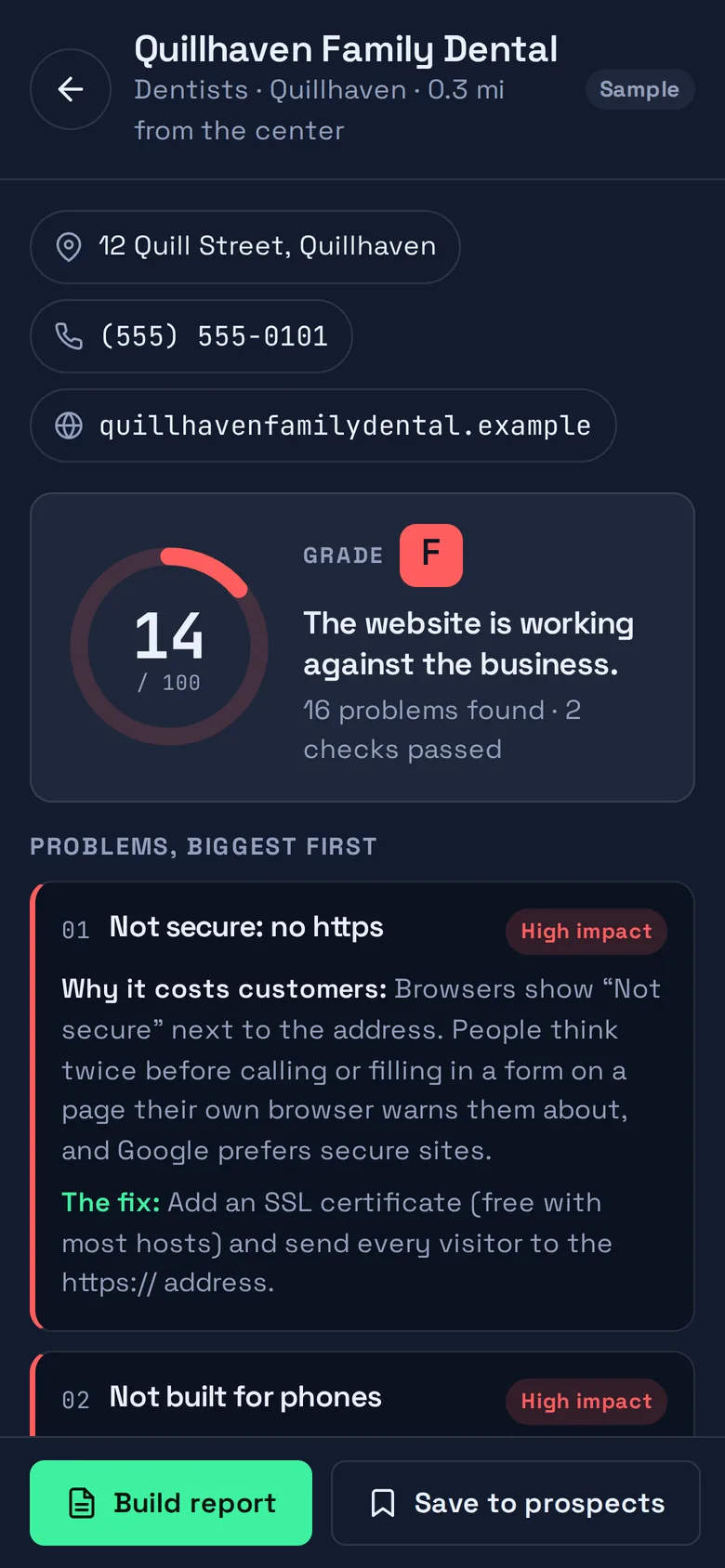
You do not need special software to tell whether a local business website is doing its job. Most of what matters is visible from the homepage in a few minutes, if you know where to look. Here are the seven checks we would do first, how to do each one by hand, and what each one costs the business when it fails. They are the heaviest items in the 19-point audit that SiteScout runs.
1. Is the connection secure?
Type the address with http:// in front and watch what happens. A healthy site jumps to https:// and shows a padlock. A site without https gets a “Not secure” label from the browser, right beside the address. People hesitate to call or fill in a form on a page their own browser warns them about. If https works but the http address does not forward to it, some visitors still land on the insecure version.
2. Does it fit a phone?
Open the site on your phone. If the whole desktop page appears shrunk to the width of the screen and you have to pinch to read it, the page has no mobile layout. For a local business this is the most expensive fault on the list, because someone looking for a nearby plumber is almost certainly holding a phone. They will not zoom. They will go back and tap the next result.
3. What does the page title say?
The title is the text in the browser tab and, more importantly, the blue headline in a Google result. Hover over the tab to read it. “Home” or “Welcome” wastes the most valuable line of text the business has. A good title names the business, what it does and where: “Quillhaven Family Dental | Dentist in Quillhaven” (a made-up example).
4. Can you tap the phone number?
Still on your phone, find the phone number and tap it. If the dialer opens, good. If nothing happens, the number is plain text, and a customer has to memorize or copy it. If you cannot find a number on the homepage at all, the business is making its customers work to give it money.
5. Is there a way to send a message?
Not everyone wants to call, and many people look things up after closing time. Look for a short contact form, a linked email address, or at least an obvious link to a contact or booking page. If there is none, every enquiry that would have arrived overnight goes to a competitor who has one.
6. How long before anything appears?
Reload the page and count. If you reach “two” before the page starts to draw, the server is slow. This is different from large photos taking a while to load: a slow server means a blank screen, and a blank screen is when people leave. Cheap hosting and no caching are the usual causes, and both are easy to fix.
7. Is Google being told who this is?
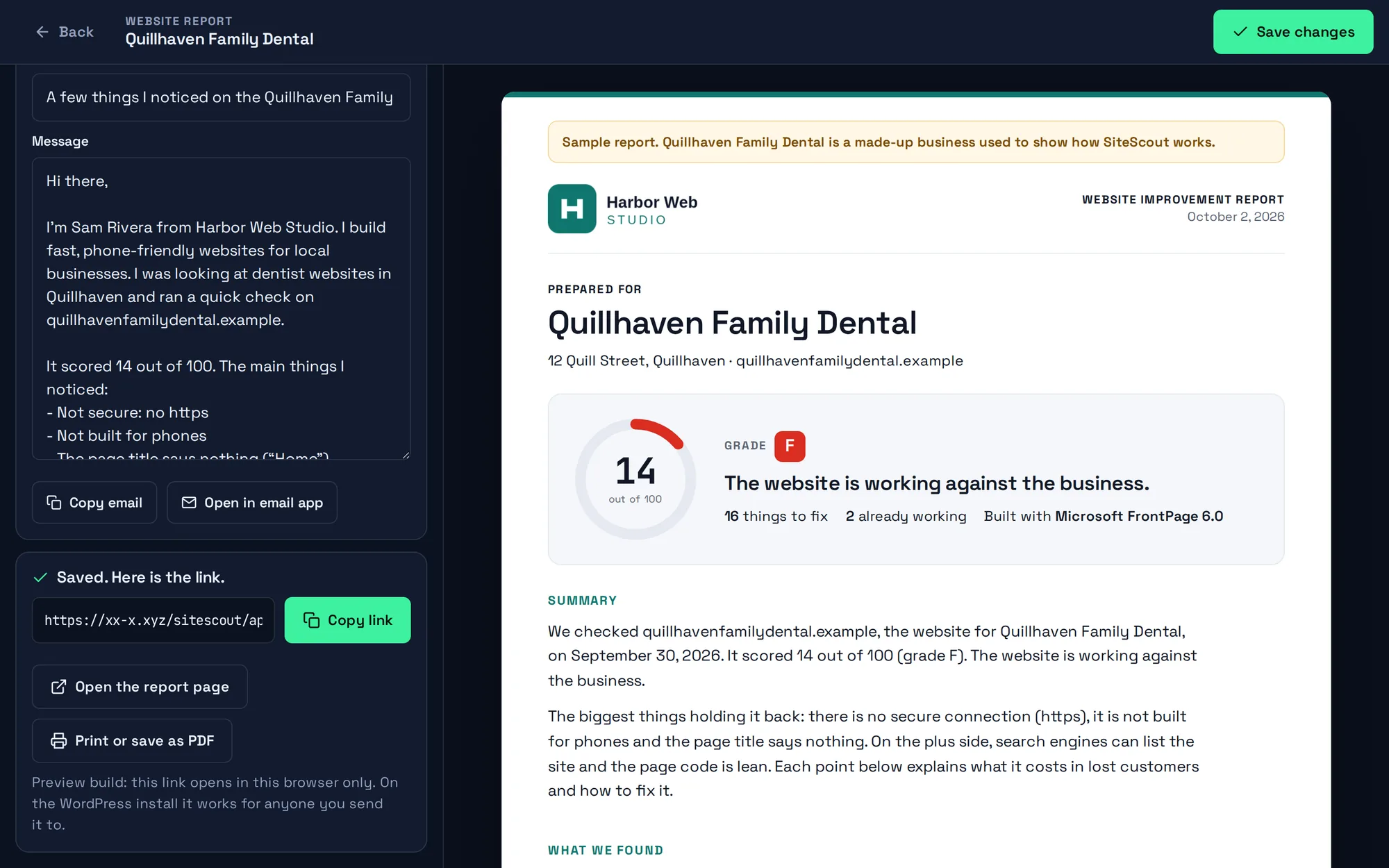
This one needs a little more effort. View the page source and search it for LocalBusiness. Structured data is a small block of code that hands Google the business name, address, phone number and opening hours directly, instead of leaving it to guess from the text. While you are in the source, search for noindex too. Occasionally a site carries a leftover instruction from when it was being built, telling search engines not to list it. The owner usually has no idea.
What the homepage cannot tell you
A homepage audit has limits and it is worth being honest about them. It does not tell you where the business ranks, how many visitors it gets, or whether the photos are any good. It says nothing about the inner pages. And some sites turn away automated visitors, so a tool may not be able to check them at all. Treat the audit as a list of things that are definitely true about the front door, not as a verdict on the business.
Turning the checks into a conversation
The value of doing the same checks on every site is that you can compare. Three dentists in one town, one with a secure, phone-friendly site and two without, is a story the two will understand at once. When you write to an owner, lead with the single finding that costs them the most, say why it matters to their customers rather than to Google, and keep the rest for the report.
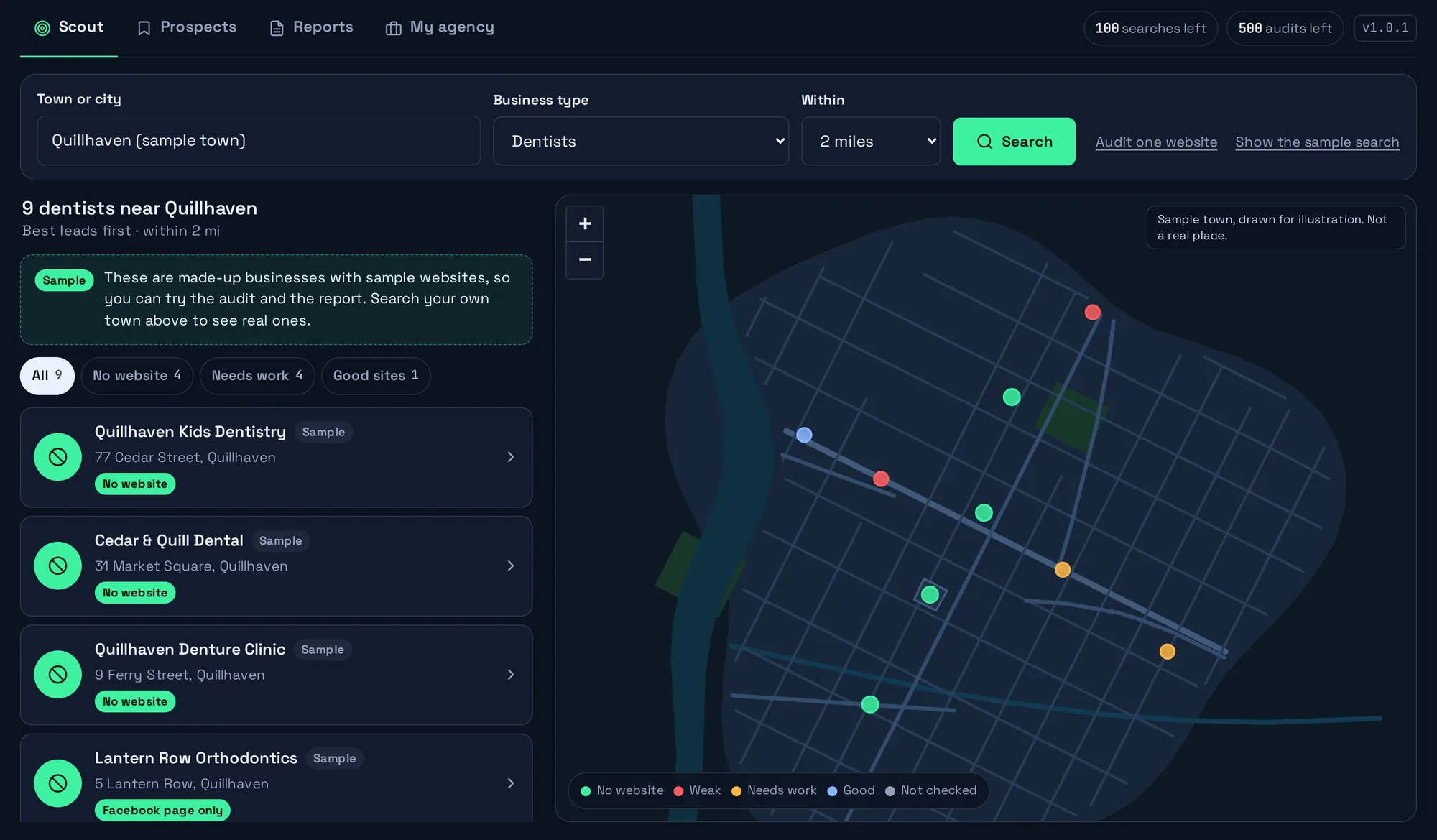
If you would rather not do this by hand twenty times, the SiteScout app runs all 19 checks on a whole list and explains each result in the same plain terms. A sample town is loaded when you open it, so you can see an audit without signing up.